Pages

Saturday, January 8, 2011

Wiring the Pinball Cabinet for Feedback


In order to make the pinball cabinet as realistic as possible I'll be running LEDs as flashers, and also creating the feedback and sound of a real table when pop bumpers, sling shots, or flippers are fired by using car starter solenoids.


Running a 16 input and 16 output LEDWIZ. The LEDWIZ can only drive 500mA of current, so in order to isolate the circuit I'm running relays between the LEDWIZ and the solenoids which will take more than that. Both the LEDWIZ and the solenoids will have their own 12V power supplies.


Really happy with the kick the solenoids provide, very pinball like.


Wednesday, January 5, 2011

LEDWIZ Outputs


Planning to use a PC board called the ledwiz to control my input buttons, and also drive up to 16 output devices.


Number of these will be hooked up to LEDs and also control the lighting of the buttons, but also looking to create a more authentic feel by driving solenoids and other feedback type devices to recreate pop bumpers, slingshots, flippers, and knockers etc.


Played around with a doorbell today, the coil had good punch and I can fire the metal rods into metal or wood and create a nice knock sound that should make a real nice imatation knocker for extra ball awards.

All Software Working Now


Took a couple of days but finally figured out the software. Running a program called hyperpin for the front end, allows you to scroll through and select the pinball table you want to play. I haven't configured any future pinball tables yet, but have a couple of virtual pinball ones.


The VP ones play great, I've heard mixed reviews about the future pinball ones but will give them a try. Running a program called UVP for the backglasses, animates them really nicely.


A lot of people running these software programs complain about lag and stutter, but I haven't noticed any yet. Here is a pic of fish tales with UVP, VP, and VPMame all running.

Cabinet starting to look like a Pinball Machine


Made a lot of progress today, have the cabinet pretty much complete now except for 1 last board I need to cut but couldn't because my saw died.

Working through setting up the software which is quite a chore with 3 monitors running off video cards with over 5 ouputs each on them, and the 6 or 7 software programs required. Hopefully after I get one table running I'll understand how to add the rest.

Once I get all this working the real hard part begins though which will be wiring the 16 or so input buttons etc, and then working through the 16 ouputs I am setting up including LED lighting, flipper feedback, gear motors, and solenoids that will all be driven in context with the game.


Monday, January 3, 2011

Cabinet Back Box Attached to Main Cabinet


Here is the cabinet back box mounted on the main cabinet. Working through mounting the 42 inch TV for the playfield today, and then will figure out the wiring.


Saturday, January 1, 2011

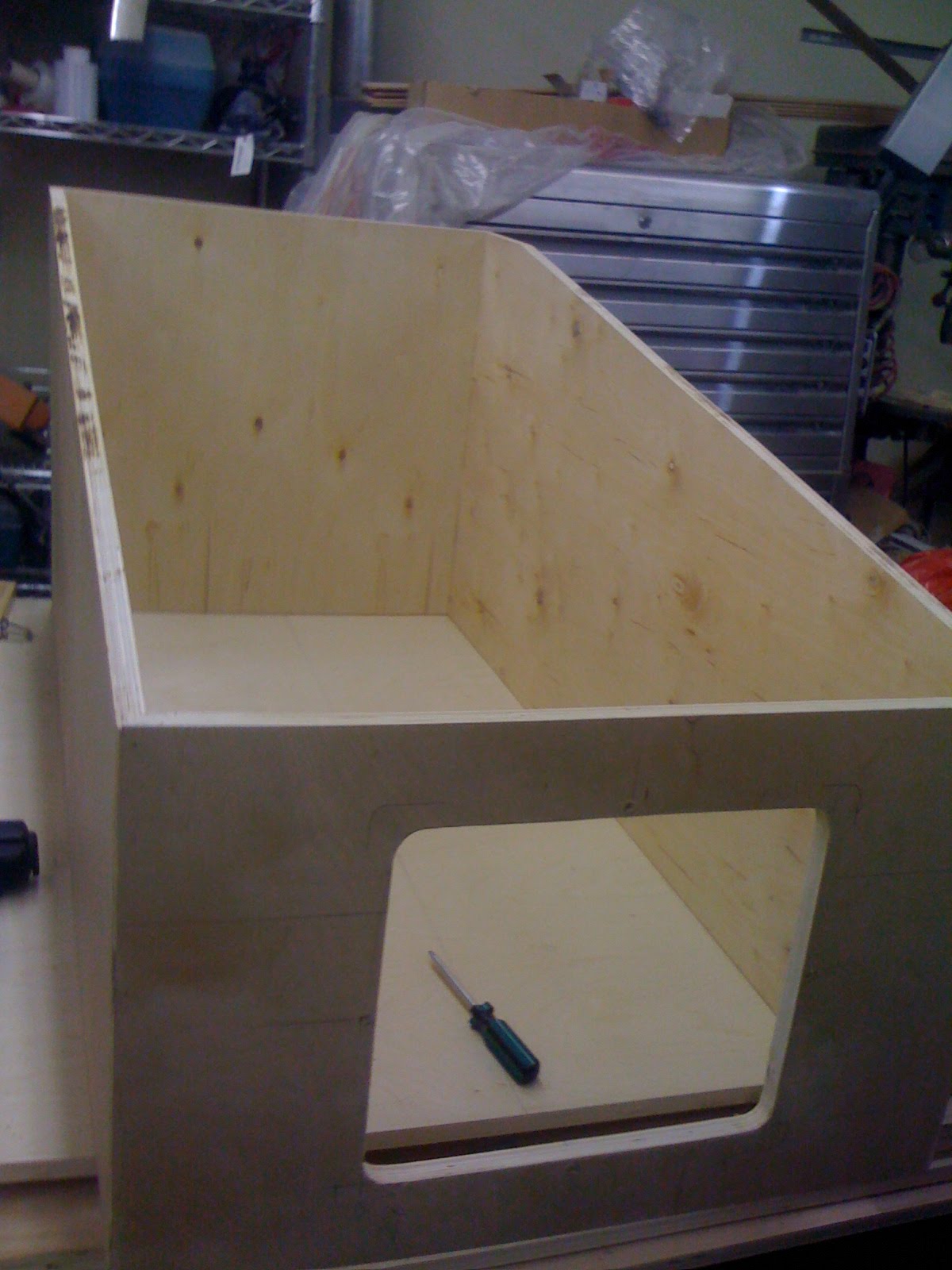
Main Cabinet


Cabinet is now cutout for the virtual pinball machine. Need to figure out where I want all the buttons and cut those out, as well as mount the 42 inch TV fo the playfield. Hope to have everything assembled for testing tomorrow.


Once I'm happy with how everything fits I'll disassemble it all, and then finish with high gloss paint.

More build work on Visual Pinball Machine


Backbox is nearly complete. Here you can see the 32 inch Sanyo TV mounted with the 19 inch monitor to create the DMD display.


Picked up sony 4" car speakers that will fill the speaker cutouts beside the DMD screen. Was able to use the TV bezel in order to create a nice flush look.